
Driftler – Generative AI Videos
Two vertical reels to introduce Driftler, made with generative AI: from the script and images to the video, sound and edit, with the prompts and what went wrong.
- Pieces
- Two vertical 9:16 reels, 25 and 22 seconds long
- Goal
- Make Driftler known to Working Holiday travellers
- Role
- The whole process: script, images, video, sound and edit
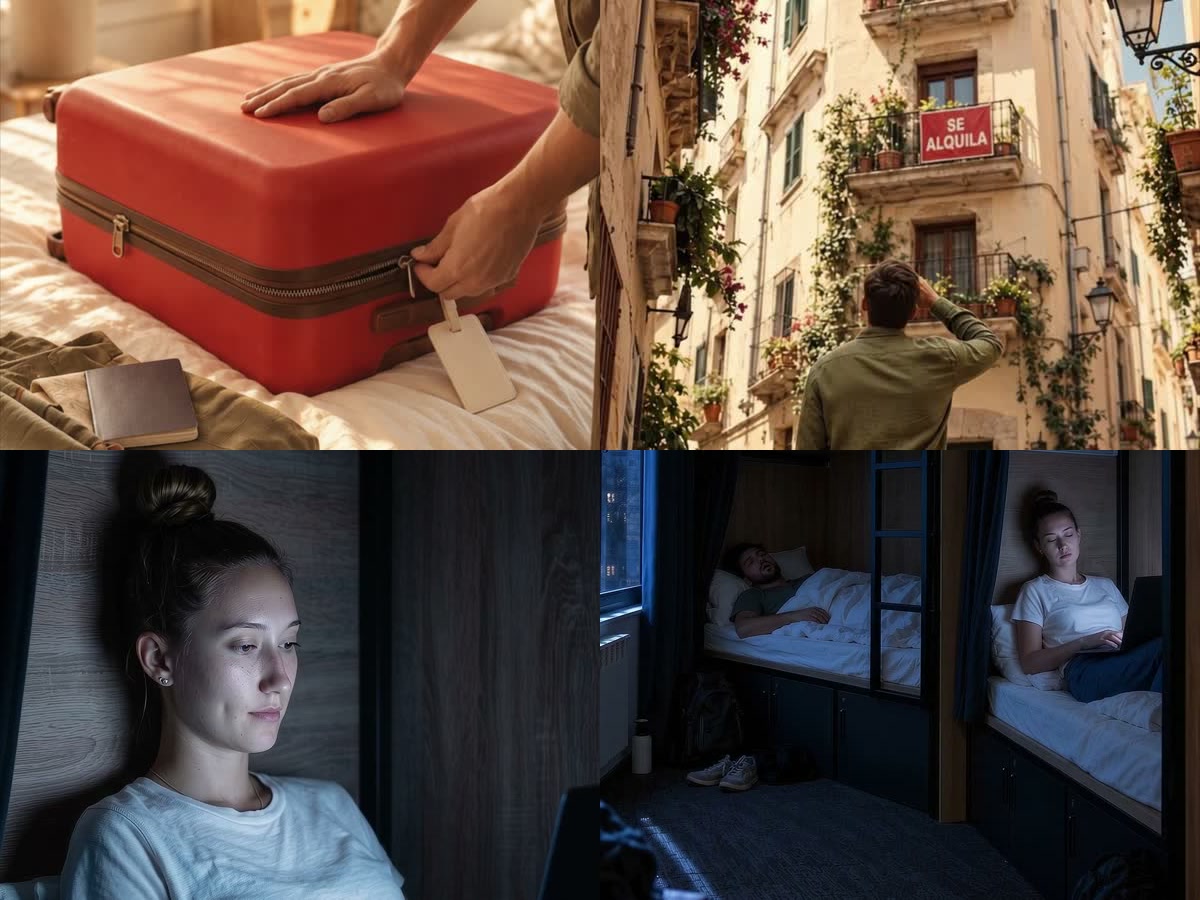
Two videos for Driftler, made with generative AI
Two reels with different tones. The first shows the journey, from the suitcase to the new city, with the message “we help each other”. The second starts from an everyday problem: sleeping in a shared hostel. All the visuals were generated with AI.
Tools: Gemini and ChatGPT for the images; Claude and Gemini for the second one’s script and prompts; Flow (Omni model) and Kling 3, through Artlist, for the video; ElevenLabs for the first one’s voice; and EffectCraft for the edit.
Video 1: the journey
Someone closes a suitcase, crosses the world and arrives in a city where the hard part is finding housing, work and friends.
The script, scene by scene
I built it in a spreadsheet, aiming for 20 seconds and about 25 words of voiceover. The table shows how it ended up in the final video, with timings measured on the render (approximate, ±0.5 s).
| Scene | Time | Visual | Voiceover |
|---|---|---|---|
| Suitcase | 0–3 s | A hand closes the red suitcase on the bed. | No voiceover. |
| Airport | 3–6 s | A traveller in front of the departures board; a plane crosses in the background. | “Sometimes making the decision is hard.” (from ~5 s) |
| Flight | 6–8 s | A plane flying, seen from below. | The previous sentence ends. |
| Landing | 8–10 s | A plane landing at sunset. | “Leaving everything behind.” (~9–10 s) |
| City | 10–14 s | A traveller looks at a building with a “Se alquila” sign. | “Other times, the hard part is finding housing, work or new friends.” (~12–16 s) |
| Phone | 14–17,5 s | A hand holds a phone showing the Driftler site. | “Driftler,” (~16 s) |
| Close | 17,5–25 s | The traveller sitting in the square; an overhead zoom out to the coastal city. The logo appears around 19 s. | “we help each other.” (~18.5–21.5 s) |
The plan was 20 seconds, with the first sentence at second 0 and on-screen text. In the final video the voiceover comes in around 5 s, the close runs longer and there is no on-screen text. The voiceover is in Spanish.
From script to video
First the still image, then the motion: one image per scene, with the same traveller, the same red suitcase and the same warm light, then animated instead of generating video from scratch. For the phone I used a real capture of driftler.com, because AI generates illegible text.
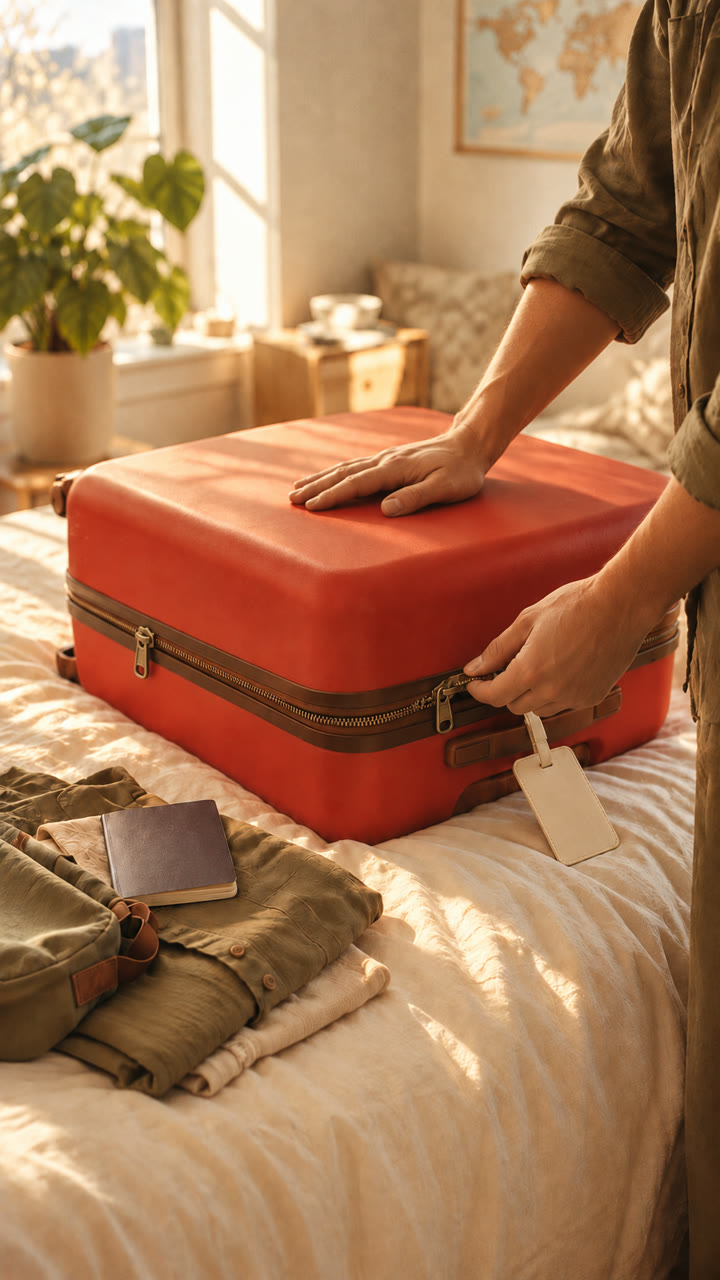
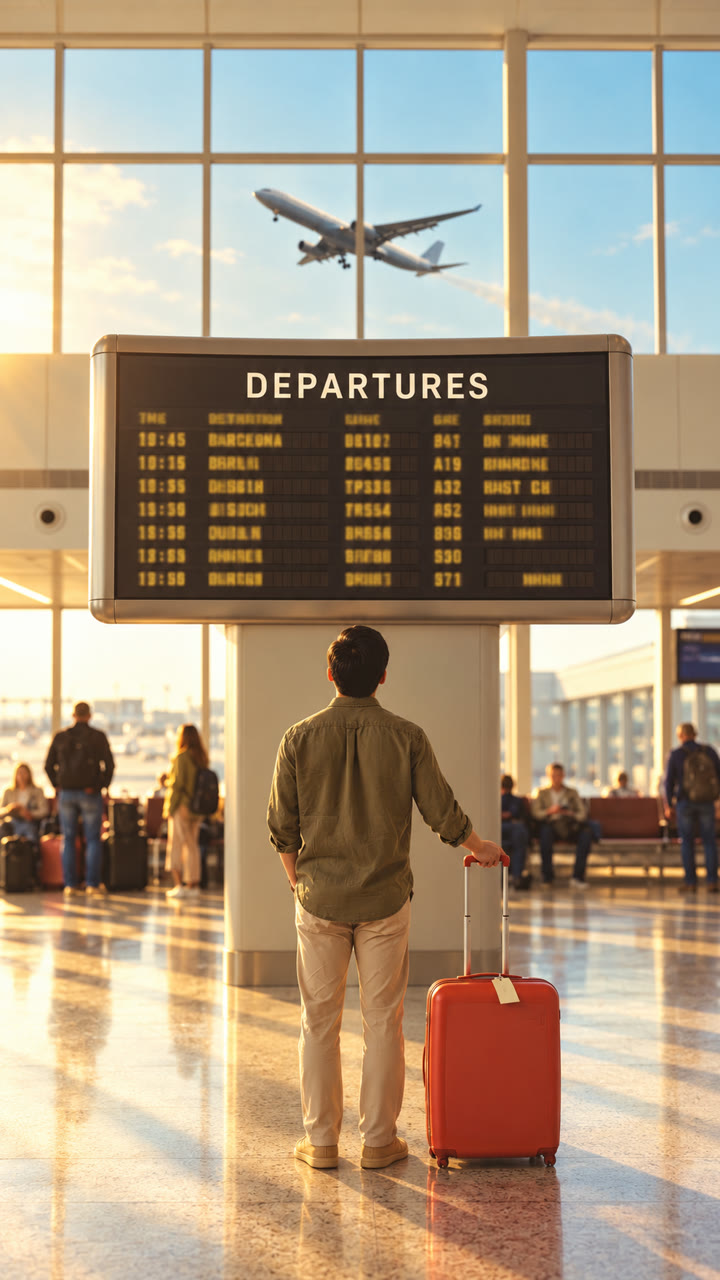

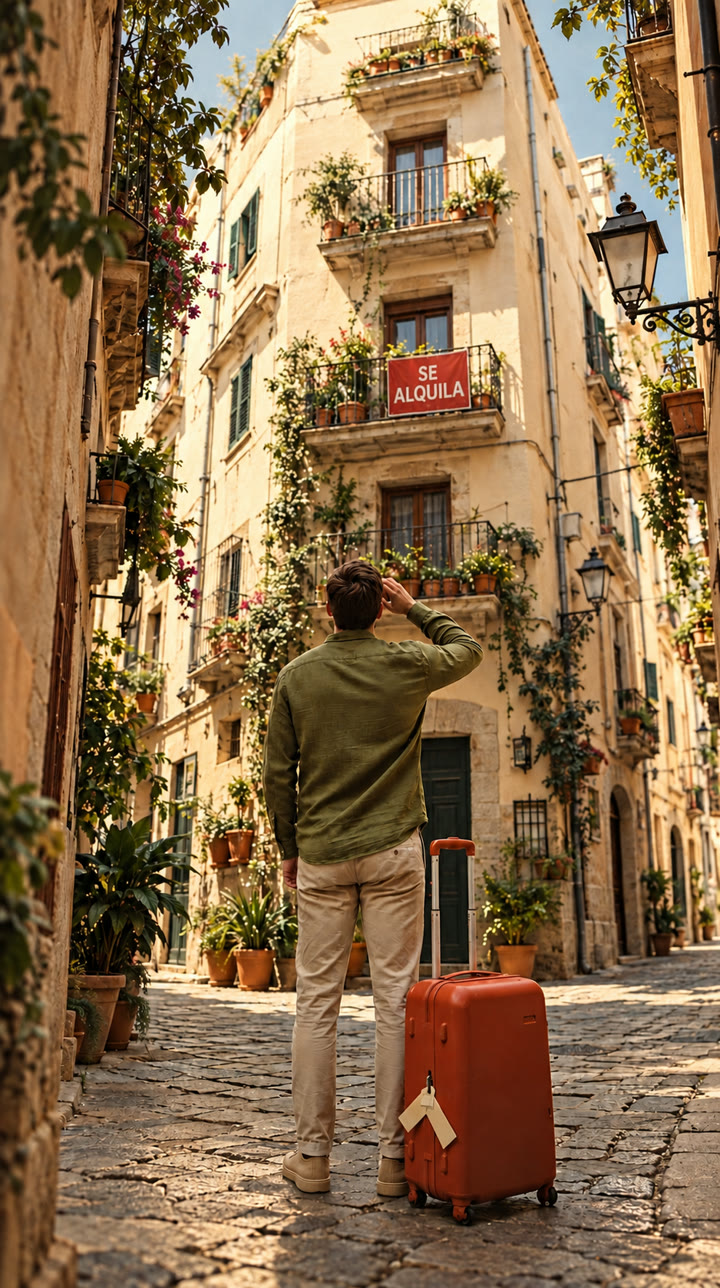
Two models, the same shot
I ran the shots in Flow and in Kling 3 to compare motion, light and detail.
Video 2: the hostel
The false intimacy of a screen at 3 a.m. against the reality of sleeping in a shared hostel.
The idea
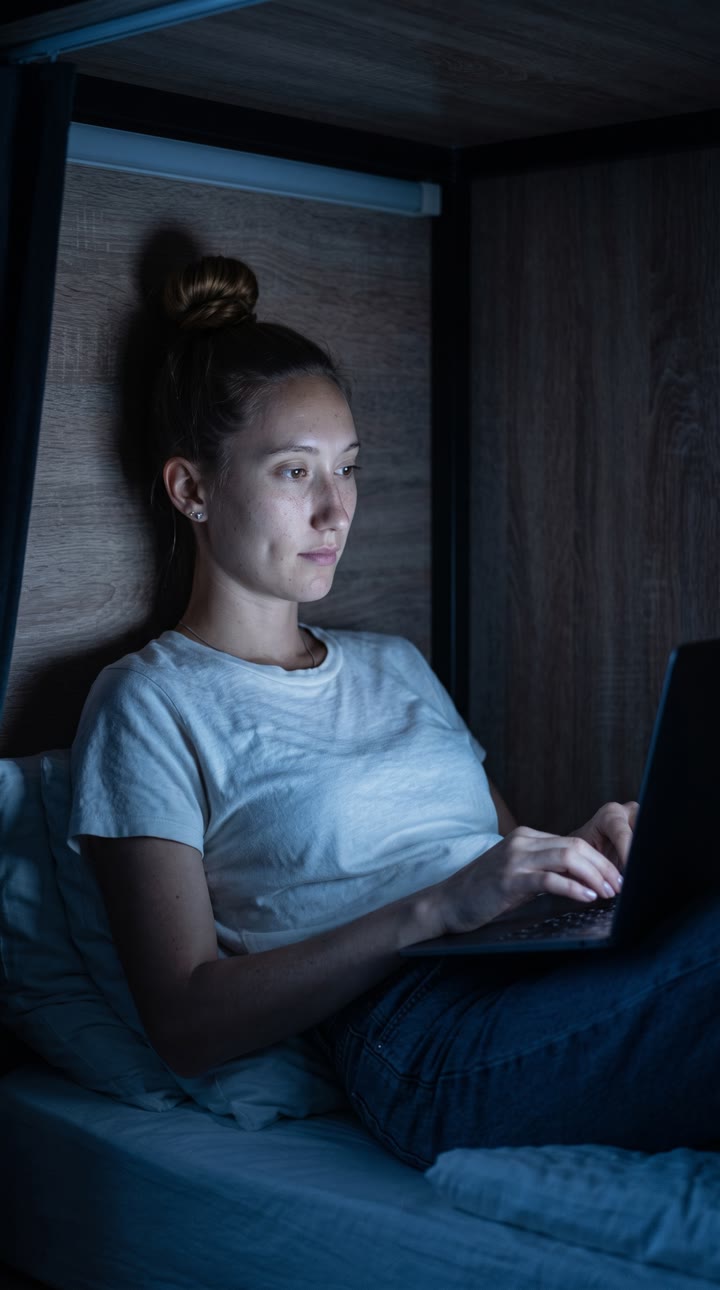
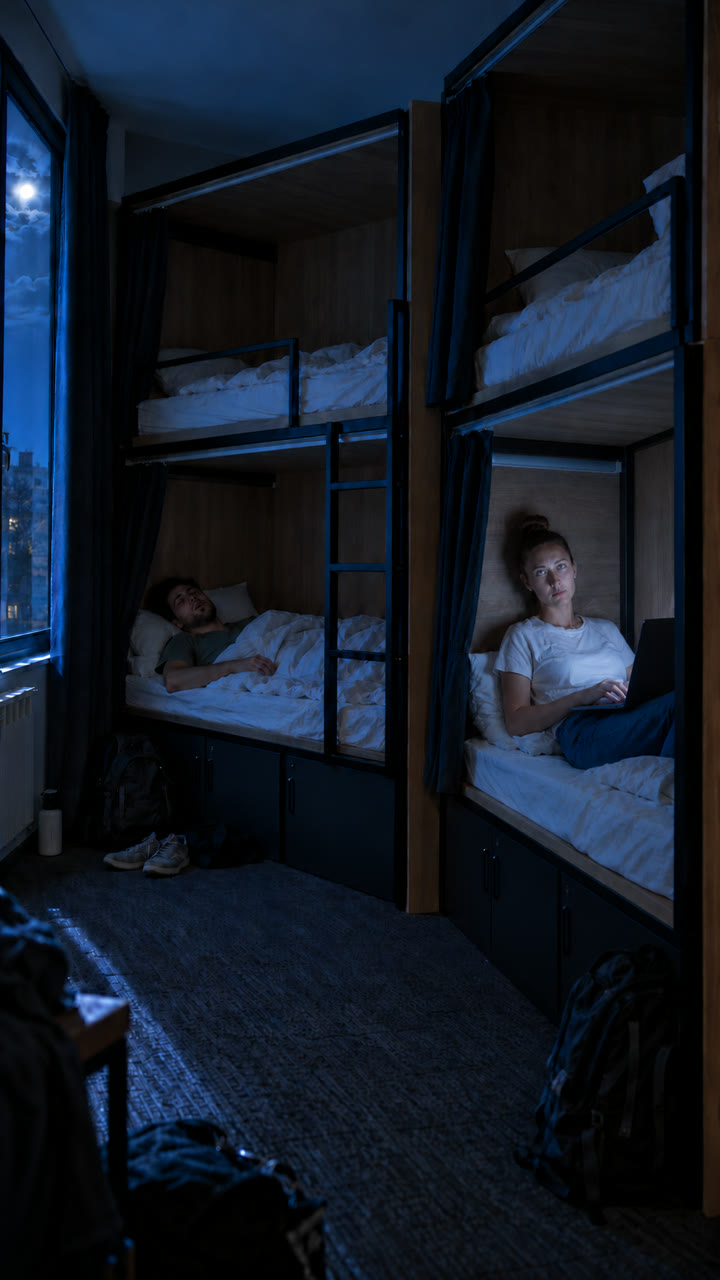
A traveller types in the dark, lit only by her laptop. Suddenly, a snore. She looks away, the camera opens up and reveals she is in a bunk in a shared dorm. The snoring grows, the image blurs and the logo appears. One concept, one joke and one emotion, 100% visual and sound-based, with no dialogue.
Light and character
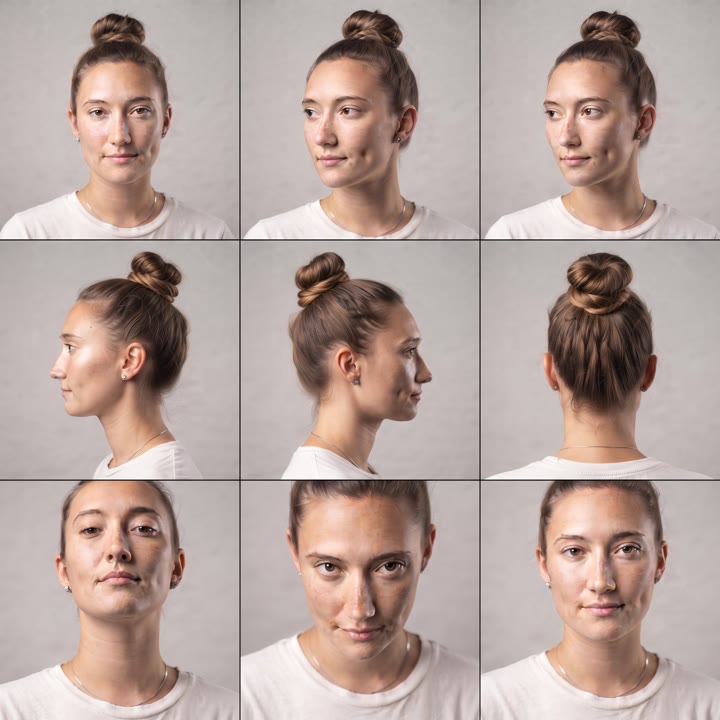
Light ties everything together with a single rule: the main light is the cool glow of the screen, the ambient one is midnight-blue moonlight with blue shadows, never black, and there are no warm lights. To keep the protagonist the same every time, I generated a reference sheet with six angles of her face, chose three anchor images and attached them to every generation, along with a short identity description. The image holds the face; the text only reinforces it.
Clips, sound and edit
I worked one clip at a time, with motion prompts and a sound block in each one. I added the snoring in the edit, growing until the logo. The edit uses hard cuts, a progressive blur at the end and the logo as a crisp vector layer, never generated by AI.
What went wrong
| Problem | Fix |
|---|---|
| The face anchor did not look like the reference: the invented description had dimples and green eyes. | Rewrite it from the real photo. |
| Clip B cut off at second 3: the last frame was very different from the first. | Use only the first frame and solve it with a cut. |
| The zoom out did not reach the requested framing: the pod in the wide shot had a different design from the close-up. | Regenerate the wide image copying the pod design. |
| Models fail when revealing a room the camera cannot see. | Generate the clip moving in and then flip it in the edit. |
Two prompts
Locked-off camera, no camera movement. The woman types steadily, the cool blue glow flickering on her face. At 2 s the typing stops abruptly and her fingers freeze. She slowly shifts her eyes, then turns her head toward the left side of the frame, from calm focus to annoyed suspicion. End on a held frame of her annoyed look.
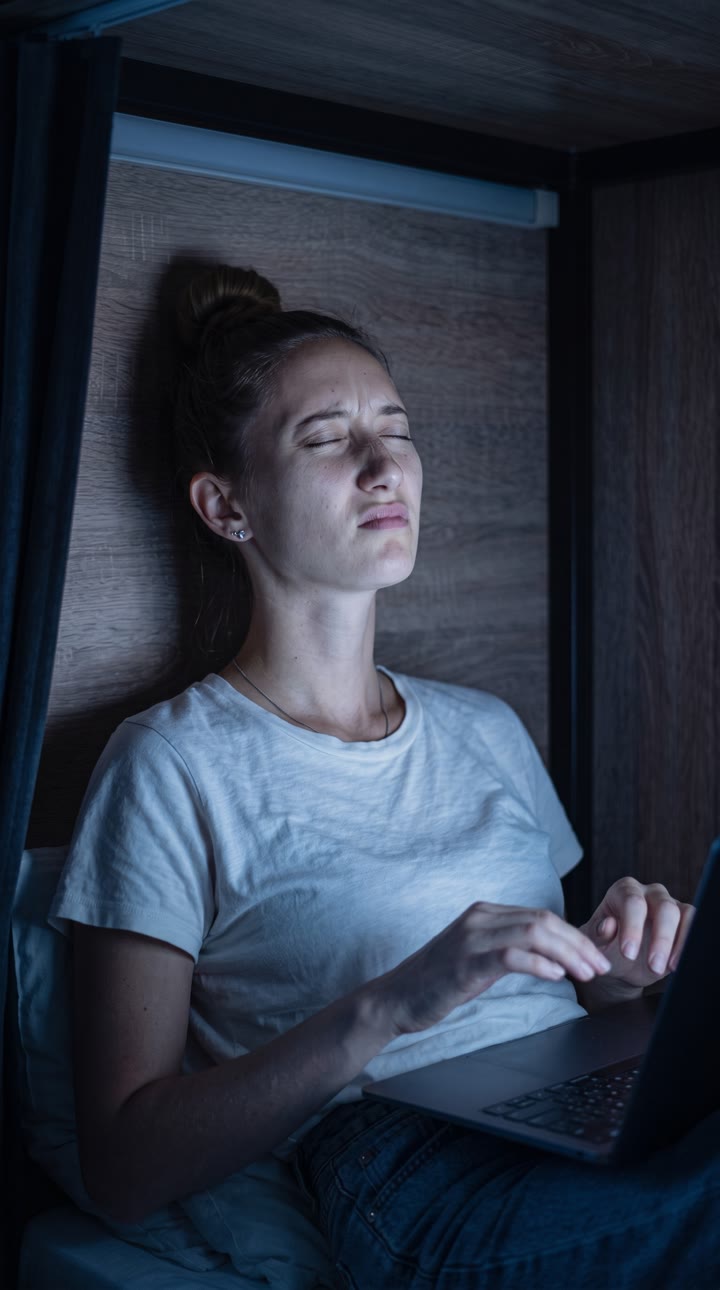
Sound: fast keyboard typing and soft clicks, cut off at 2 s, a beat of silence, then a deep loud snore. No music, no voices.One continuous shot, strict timing. The camera pushes straight in toward the lower-right bunk pod, as if on a slow dolly on rails, from the wide view of the dorm to a medium close-up of the woman. No zoom, no rotation, no pan, no tilt. From 0 to 3 s the camera pushes in; from 3 to 4 s it is completely locked. During the push-in she tilts her head back against the wall and closes her eyes in exasperation.Lessons
What I take away from the two pieces.
- Still image first, motion after: it gives more control than generating the whole shot.
- One clip, one movement. More than one produces distortions.
- The last frame only works if it is almost identical to the first. If not, a cut is better.
- References need consistent sets, not just characters.
- To reveal, generate moving in and flip the clip in the edit.
- Text and logo are overlaid in the edit, never generated with AI.